08 Feb 2022
Here are some common issues that people encounter when using Charles and Zscaler
Laptop connection issues
I can’t connect to the internet on my laptop
- Open Keychain and check if the Zscaler root cert has been trusted
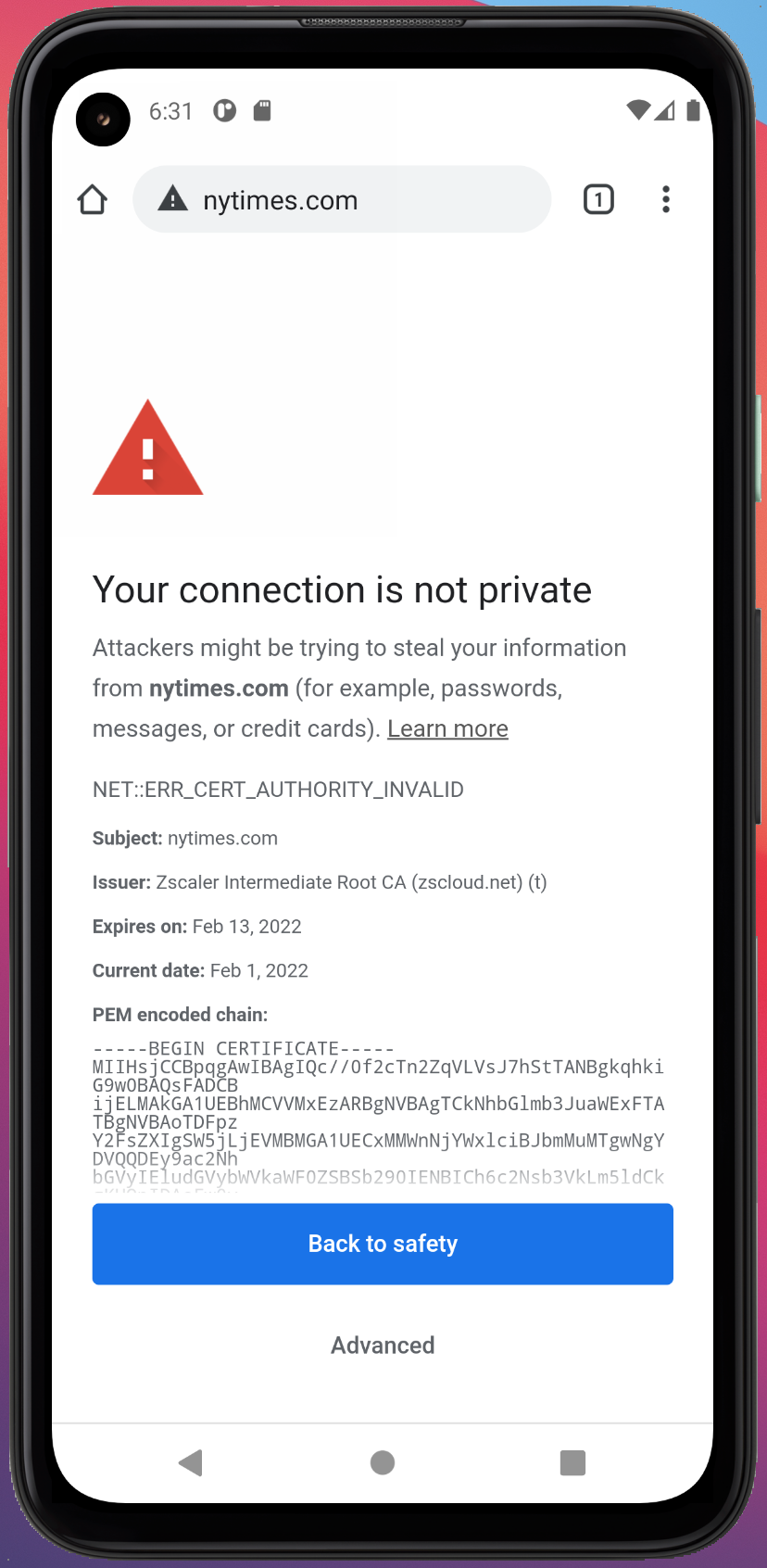
- You may get errors on your browser about your connection “not being private”
- If not trusted, update it to “Always Trust”
- when trusted it will have a blue + symbol (see attached screenshot)

Device connection issues
My device give me a private connection error
- If this happens, you will need to download and install your Zscaler root certificate onto the device
- The instructions for installing and trusting a Zscaler root cert is identical to how it works for Charles
Lost internet connection
My internet traffic has stopped working
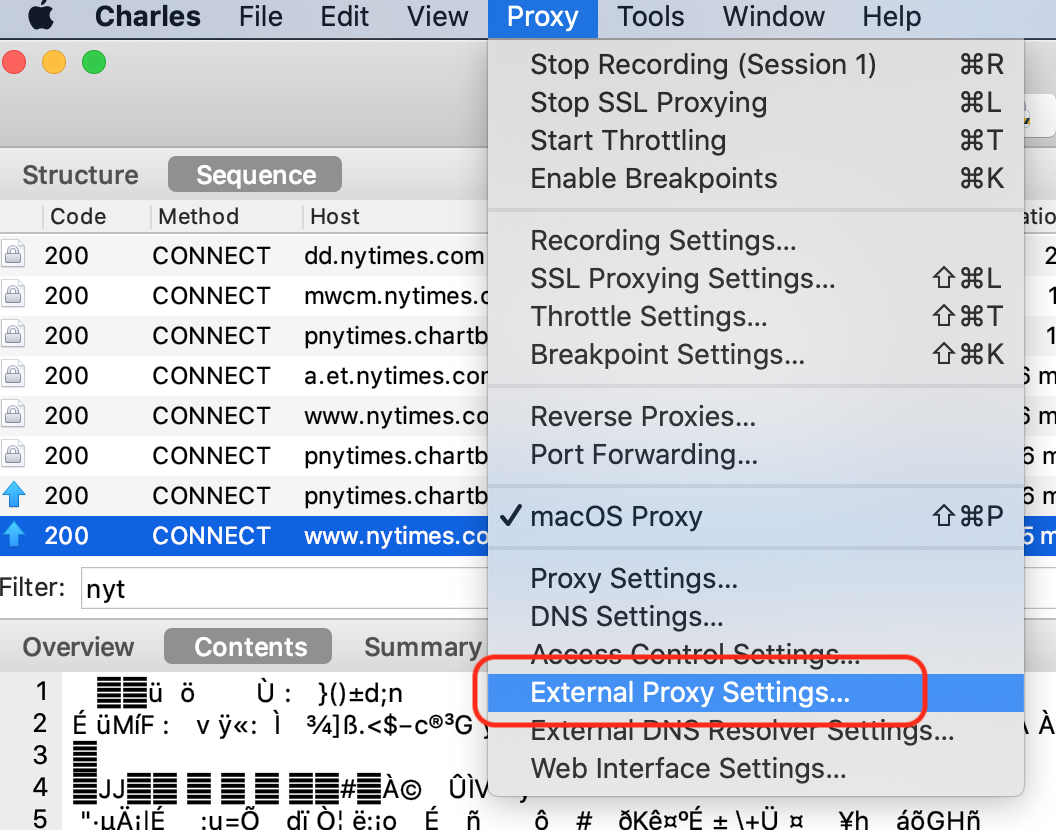
- If you have recently restarted your Charles (or your laptop), the External Proxy setting tool may no longer be enabled

 Charles Docs-y