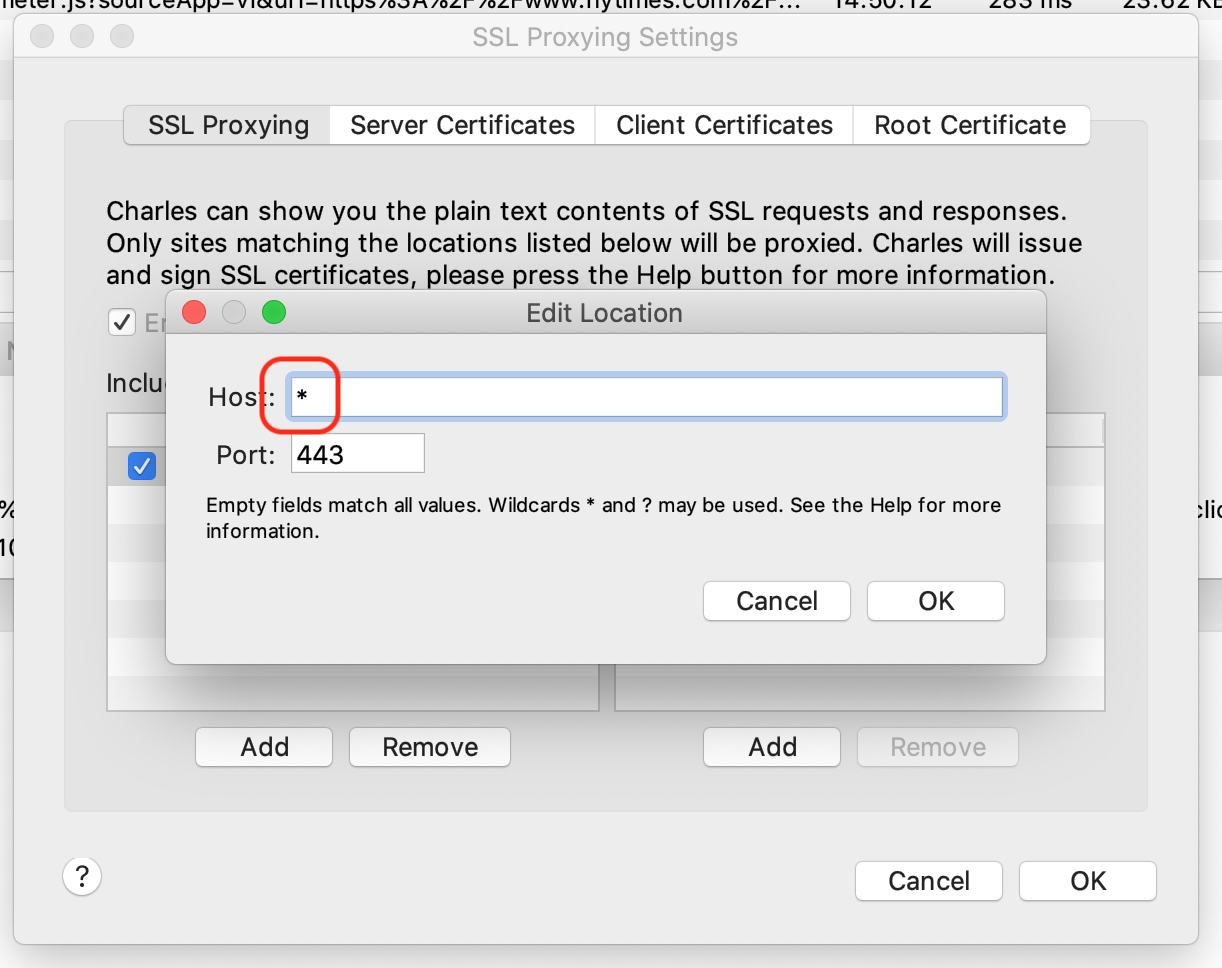
It is really important that you understand what should be included and excluded from your SSL proxy settings. If you attempt decrypt all network traffic, by entering * as the Host value, websites and applications on your machine will eventually start throwing errors!
The * character causes side effects!
By entering the * character into the Host field, Charles will decrypt ALL network traffic that goes through your laptop. This is a not a good idea!
If, for example, you are testing or debugging some code on your personal Android device all your other apps will stop working
Also using the * character approach may block you from accessing some of your work-related websites i.e. JIRA, Jenkins, Splunk, etc.
A better approach
You will encounter far fewer issues if only include the host(s) you are actually interested in

Tip
Instead of listing all your subdomains on separate lines, you can use them with the * character. My example will now decrypt all traffic where the host name ends in “.mywebsite.com”


 Charles Docs-y